
Scrivener: The Ultimate Writing Tool for Serious Authors
Scrivener: The Ultimate Writing Tool for Serious Authors
If you've ever tried to write a novel in Microsoft Word, you'll know the feeling. Chapters buried in a single endless document. Research notes scattered across ten different files. A chapter you moved last Tuesday that you can't find anywhere. At some point, managing the manuscript starts taking more energy than actually writing it.
Scrivener was built to solve exactly that problem — and for thousands of authors around the world, it genuinely has.
What Is Scrivener?
Scrivener is a dedicated writing application developed by Literature & Latte, designed specifically for long-form writing projects. Whether you're working on a novel, a non-fiction book, a screenplay, or a PhD thesis, Scrivener gives you a way to manage complex manuscripts that Word simply wasn't built for.
Think of it less like a word processor and more like a writing studio — a place where your manuscript, research, character notes, and chapter outlines all live together, organised and accessible, without the chaos.
Who Is It For?
Scrivener shines brightest for:
- Novelists juggling multiple storylines, characters, and timelines
- Non-fiction authors managing research alongside chapters
- Writers working on series who need a consistent reference for world-building details
- Planners and pantsers alike — it works whether you outline obsessively or discover the story as you write
If you're writing short stories or articles, Scrivener might be more than you need. But for anything novel-length or beyond, it's hard to find a better tool.
Key Features
The Binder
The Binder is Scrivener's left-hand panel — your manuscript's filing cabinet. You can organise your chapters, scenes, research documents, and notes into folders and sub-folders, rearranging them with a simple drag-and-drop. Moving a chapter from Act Two to Act Three is as easy as picking it up and putting it somewhere else. No copy-pasting, no hunting through a 90,000-word document.
The Corkboard
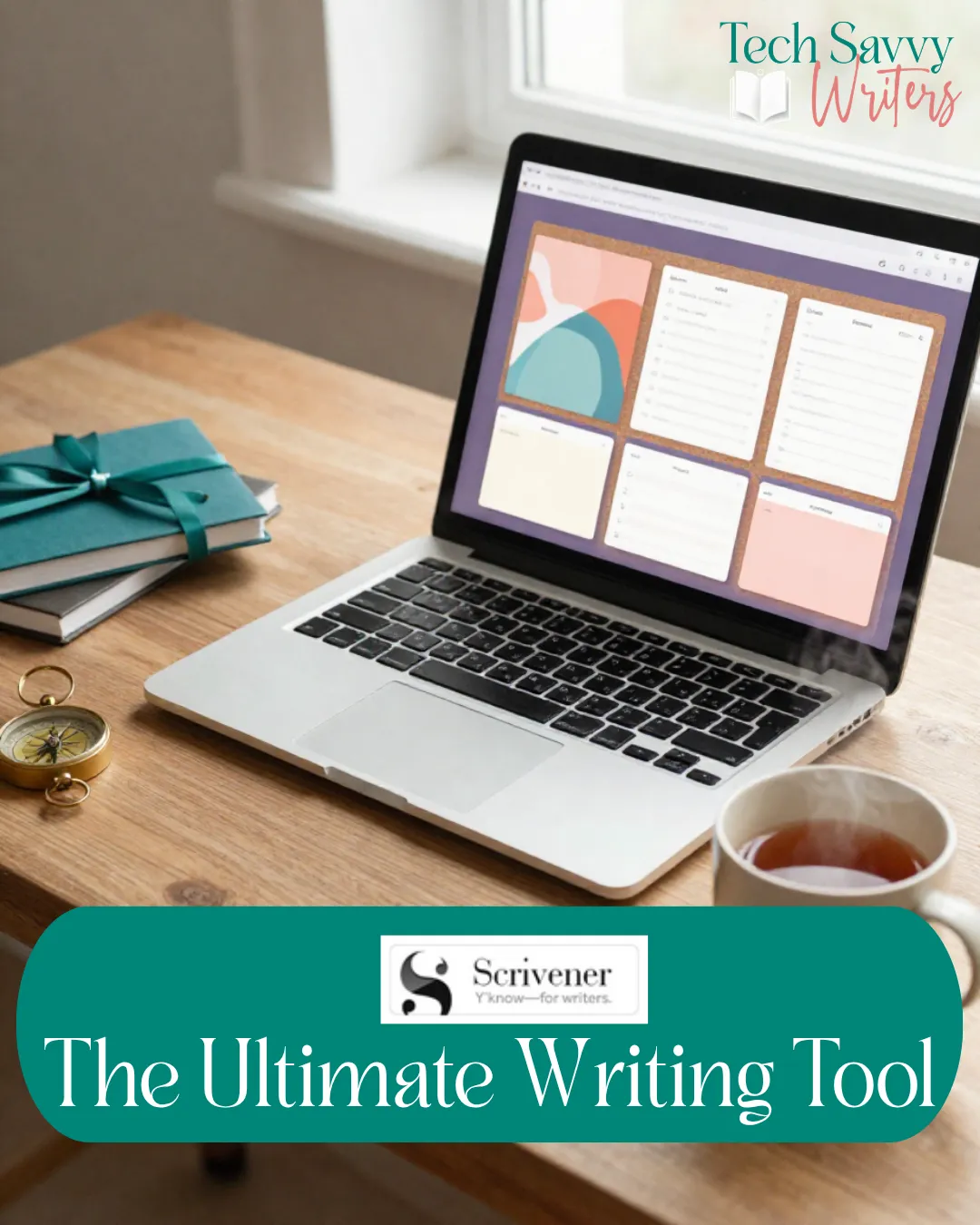
This is where Scrivener starts to feel genuinely magical. The Corkboard gives you a visual overview of your manuscript as index cards — one card per scene or chapter. You can see your story's structure at a glance, spot gaps in your narrative arc, and rearrange scenes just by moving the cards around. For visual thinkers, this alone is worth the price of admission.
Compile
When your manuscript is done (or when you need to share it with a beta reader or editor), Scrivener's Compile feature exports your work into virtually any format — Word document, PDF, ePub, Kindle, and more. You can set up custom formatting so your manuscript meets submission guidelines or publishing standards without manually adjusting every chapter heading. Once you've set it up, it saves hours.
Snapshots and Version Control
Scrivener lets you take a "snapshot" of any document at any point in time. Before a big revision, you snap the original — and if you hate what you've done, you can restore it instantly. No more saving seventeen versions of Chapter Three with increasingly desperate filenames.
Research Folder
One of the most underrated features: you can store your research directly inside your Scrivener project. Web pages, PDFs, images, notes — everything lives alongside your manuscript, not buried in a separate folder you have to hunt for every time you need to check a historical detail.
What We Love
The Compile feature is genuinely powerful. Once you understand it, exporting a polished manuscript in any format takes minutes. It's a game-changer for anyone who's spent hours reformatting a Word document for submission.
Split-screen editing lets you have two documents open side by side — perfect for writing a new scene while referencing your chapter notes, or cross-checking continuity without toggling between windows.
Project Targets keep you accountable. Set a word count goal for the project and for each writing session, and Scrivener shows your progress in real time. Small but genuinely motivating.
What Could Be Better
Scrivener has a steep learning curve, and we won't pretend otherwise. The first time you open it, the interface can feel overwhelming. We'd strongly recommend working through the built-in interactive tutorial before you start your first project — it's actually excellent, and it'll save you a lot of confusion.
The Windows version has historically lagged behind the Mac version in both features and interface polish, though the gap has narrowed significantly with Scrivener 3. If you're on Windows, it's still a very capable tool — just be aware it's not quite identical to the Mac experience.
Real-time collaboration is the one major gap. If you co-write with a partner or need your editor to work directly in your file, Scrivener isn't built for that. You'll need to export and share the old-fashioned way.
Pricing
Scrivener is a one-time purchase — there's no subscription fee, which is increasingly rare and genuinely refreshing. The current price is around $65 AUD for the standard licence. There's a free 30-day trial (30 days of actual use, not 30 calendar days), so you can take your time getting familiar with it before you commit.
The Verdict
Scrivener is the gold standard for authors managing complex, long-form projects — and for good reason. It won't write your book for you, but it will make the process of organising, drafting, and exporting a manuscript dramatically easier.
Our recommendation: If you're writing a novel or working on any long-form project, download the free trial and spend a weekend with it. The learning curve is real, but so is the payoff. Serious authors tend to wonder how they ever managed without it.
Have you tried Scrivener? We'd love to know — are you a convert, or did you find it too much to take on? Share your experience in the comments below!


