

Later: Schedule Your Social Media Posts Without the Stress
Later: Schedule Your Social Media Posts Without the Stress
Let's be honest: for most authors, social media is a necessary chore rather than a joy. You know you should be showing up consistently on Instagram or Facebook. You know that regular posting builds visibility and reader connection. But sitting down every single day to create and post content? That's time you could be spending writing.
The solution isn't to abandon social media. It's to stop managing it in real time and start thinking about it in batches. That's exactly what Later is designed for.
What Is Later?
Later is a social media scheduling platform that lets you plan, create, and automatically publish content across multiple platforms — without having to be at your desk when the post goes live. You set everything up in advance, and Later takes care of the delivery.
It's visual, intuitive, and built around the idea of seeing your content calendar as a whole rather than one post at a time. For authors who want to think about their social media strategically rather than reactively, that shift in perspective alone is worth a lot.
Who Is It For?
Later works particularly well for:
- Authors who feel reactive about social media and want to move to a planned, intentional approach
- Writers who want to batch their content creation — spending a couple of hours one day a week rather than scrambling daily
- Authors managing multiple platforms (Instagram, Facebook, TikTok, Pinterest, LinkedIn) who don't want to log into each one separately
- Anyone running book launches or promotions who needs posts scheduled over a specific campaign period
If you post once a week with no particular strategy, Later might be more than you need. But if social media is a meaningful part of your author marketing and you want to spend less mental energy on it, it's genuinely useful.
Key Features
Visual Content Calendar
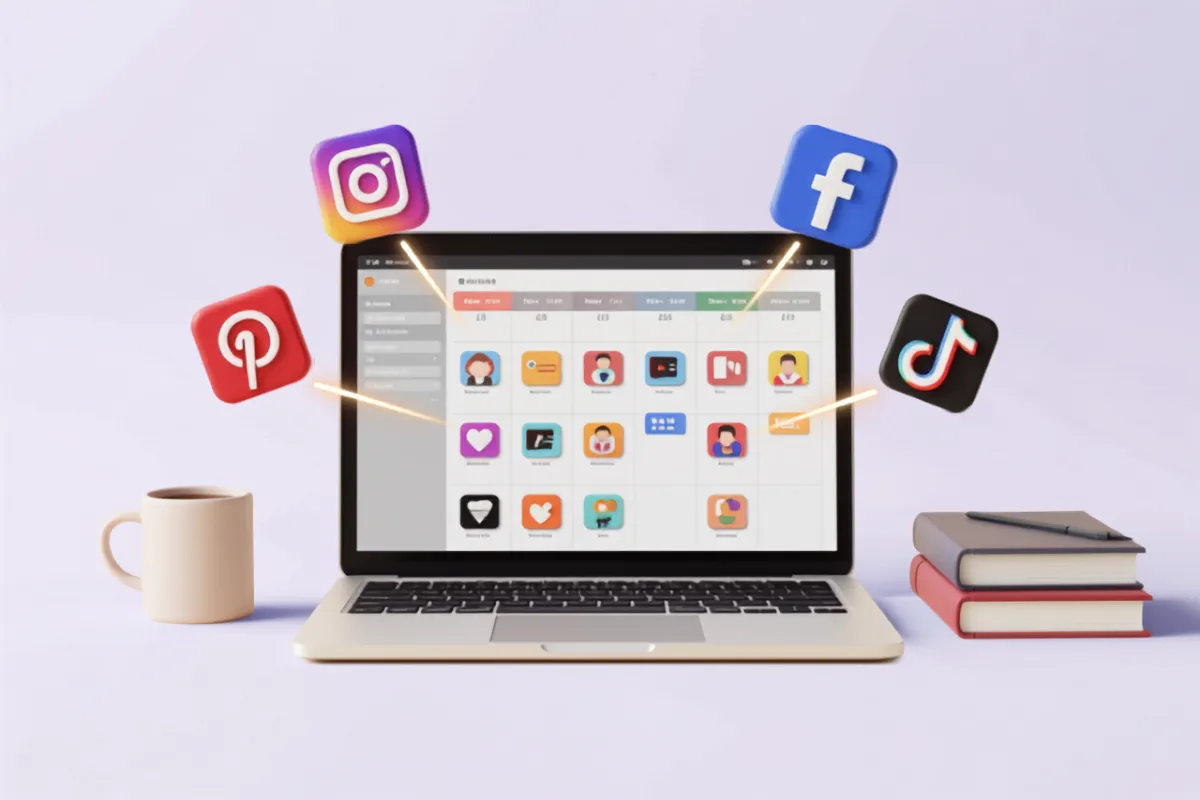
This is the heart of Later, and it's genuinely well-designed. Your content calendar shows you all your scheduled posts in a visual grid or timeline — you can see a week or a month at a glance, spot gaps in your schedule, and rearrange posts by dragging them to different days. When you're planning a book launch, being able to see your whole promotional run laid out visually makes it so much easier to ensure you have the right rhythm and variety.
Auto-Publishing
Later publishes directly to Instagram (including Reels), Facebook, TikTok, Pinterest, LinkedIn, and Twitter/X — automatically, at the time you specify. No manual posting, no push notifications reminding you to post. You do the planning; Later does the clicking.
This is the feature that makes Later worth it for most people. Auto-publishing sounds obvious, but not all scheduling tools actually deliver on it reliably for every platform. Later's auto-publishing is robust and consistently works the way it should.
Media Library
When you upload images and videos to Later, they live in your media library — searchable, organised, and ready to use again. For authors who repurpose content (sharing the same book cover image for different posts, reusing quote graphics across platforms), this is a quiet time-saver. Everything is in one place, not scattered across your phone's camera roll and various download folders.
Linkin.bio
For Instagram in particular, Linkin.bio is one of the most genuinely useful features Later offers. Instagram only allows one link in your bio — but Linkin.bio creates a simple landing page at that link, showing a clickable grid of your recent posts. Each image links to whatever URL you specify — your Amazon page, your newsletter sign-up, your website. It turns that single bio link into a full navigation page for your author platform.
Best Time to Post
Later analyses your account's engagement history and suggests the best times to post for maximum reach. This takes the guesswork out of timing and means your scheduled posts go out when your audience is most likely to see them.
Analytics
Later provides basic analytics — reach, impressions, engagement, follower growth — across your connected accounts. Higher-tier plans offer deeper insights, but even the basic metrics are useful for understanding which types of content your audience responds to most.
What We Love
The visual calendar is a genuine joy to use. Planning your content visually, dragging and dropping posts to find the right rhythm, seeing your whole launch schedule laid out in one view — it makes social media planning feel manageable rather than overwhelming.
Linkin.bio is a clever solution to a real problem. If you're active on Instagram, it's almost essential.
The free tier is a reasonable starting point. One social profile and five posts per month won't sustain a proper marketing strategy, but it's enough to try the platform and understand whether it fits your workflow before committing to a paid plan.
What Could Be Better
Analytics are basic on lower-tier plans. If you want deep insights into your social media performance, you'll need to either upgrade or supplement Later with a dedicated analytics tool like Metricool (which we'll cover in a future post).
TikTok features are still catching up. Later supports TikTok scheduling, but the feature set is less complete than for Instagram and Facebook. If TikTok is your primary platform, it's worth checking the current feature list before committing.
The value proposition is limited without a paid plan. Five posts per month across one profile isn't really enough to run a meaningful social media strategy. The Starter plan is where Later becomes genuinely useful for most authors.
Pricing
- Free — 1 social profile, 5 posts per month
- Starter — Around $25 AUD per month; 1 profile per platform, 30 posts per month, Linkin.bio
- Growth — Around $45 AUD per month; 3 profiles per platform, 150 posts per month, best time to post, analytics
Annual billing reduces these prices by around 20%.
The Verdict
Later is ideal for authors who want to batch their social media content and get back to writing. The visual calendar alone changes how you think about your content strategy, and the auto-publishing across platforms saves a meaningful amount of daily friction.
Our recommendation: Try the free plan to get familiar with the interface, then assess whether the Starter plan fits your posting volume. If social media is a regular part of your author marketing — and for most indie authors, it should be — the time you'll save will easily justify the cost.
Do you schedule your social media posts in advance, or do you post in real time? We'd love to hear how you manage it — share your approach in the comments!


