Canva for Authors: Create Stunning Book Graphics Without Design Skills
Canva for Authors: Create Stunning Book Graphics Without Design Skills
Every author knows the feeling: you need a social media graphic for your new release, a header image for your newsletter, a bookmark design for a signing event, and an ad image for your Facebook campaign. And you need them all by Friday. Hiring a designer for every small task isn't realistic. Learning Photoshop isn't either.
That's where Canva steps in — and for most authors, it's become as essential as their word processor.
What Is Canva?
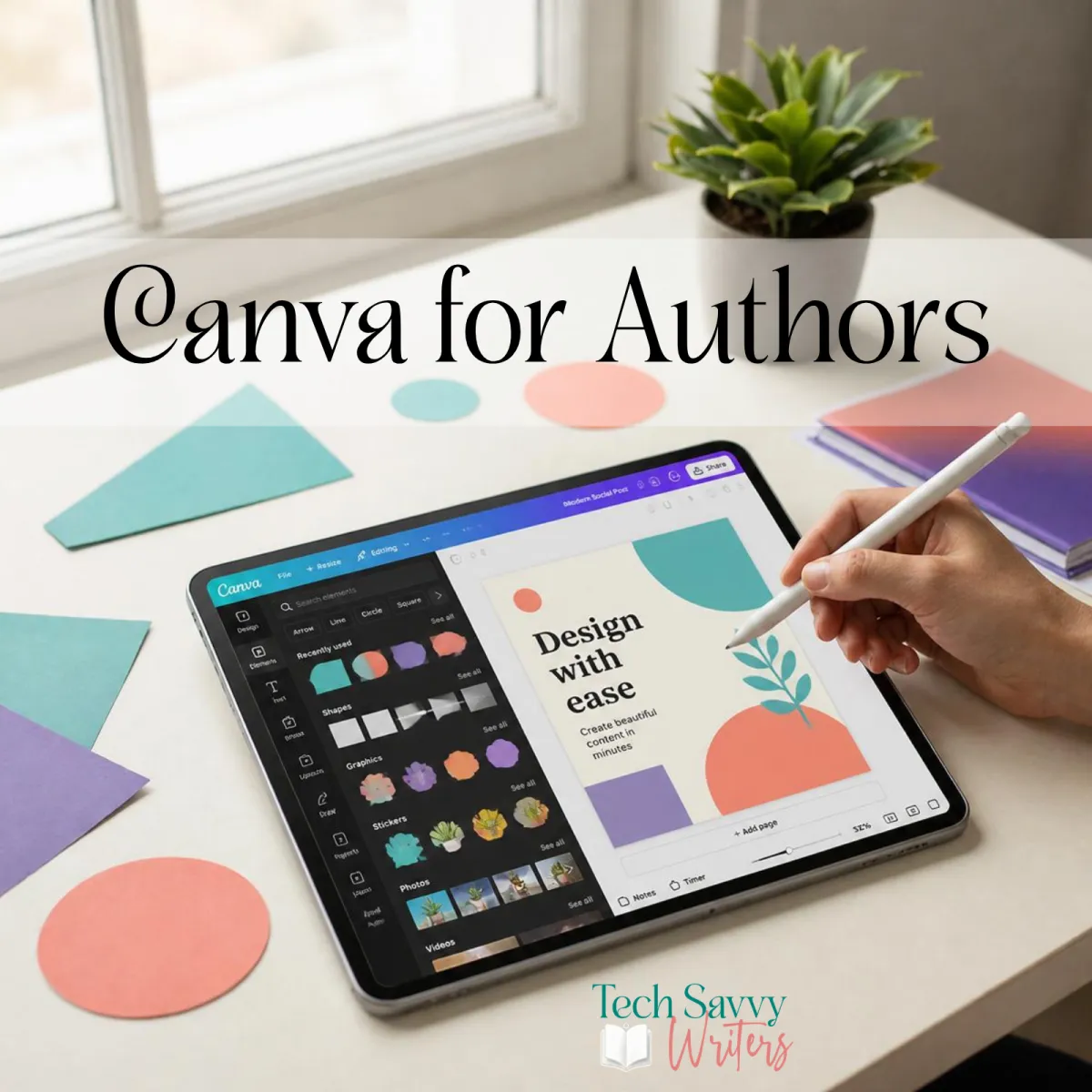
Canva is a browser-based graphic design platform that lets anyone create professional-looking visual content without design training. You start from a template, swap in your own images and text, and export a polished result in minutes. It works in your browser, on your phone, or via a desktop app — wherever you happen to be.
The pitch is simple: professional design, no degree required. And for the most part, it delivers on that promise remarkably well.
Who Is It For?
Canva is useful for virtually every author, but it's particularly valuable if you:
- Self-publish and handle your own marketing materials
- Are building an author platform and need consistent, on-brand visuals for social media
- Write a newsletter and want graphics that look polished rather than thrown together
- Attend events like book fairs or signings and need printed materials (bookmarks, posters, banners)
- Run ads on Facebook, BookBub, or Amazon and need correctly sized, eye-catching images
Key Features
Template Library
Canva's template library is enormous — and a meaningful portion of it is directly useful to authors. There are templates for book promotional posts, reader quote graphics, Kindle cover reveals, "new release" announcements, newsletter headers, event banners, and much more. You're rarely starting from a blank canvas unless you choose to.
Importantly, the templates are properly sized for each platform — so an Instagram story template is exactly 1080×1920 pixels, a Facebook cover is the right dimensions, and a Pinterest pin is vertical. You don't need to look up specs; the template handles it.
Brand Kit
If you're on Canva Pro, the Brand Kit is one of the most useful features for authors building a consistent presence. You store your brand colours, your fonts, and your logo — and Canva applies them across your designs with a single click. Every graphic looks like it came from the same place, because it did. This kind of visual consistency builds reader recognition over time without requiring you to remember your hex codes every time you start a new design.
Magic Resize
On Canva Pro, Magic Resize takes a finished design and automatically reformat it for different dimensions. You design your book promo once — and with a click, Canva creates versions sized for Instagram square, Instagram story, Twitter, and Facebook in seconds. This is a genuine time-saver if you're posting across multiple platforms.
Background Remover
Another Pro feature that authors find surprisingly useful: the background remover cuts the background from any image with one click. Want to use your author headshot on a coloured background? Done. Need to float your book cover over a scene? Easy. What used to require Photoshop expertise now takes about three seconds.
Print Options
Canva's print service lets you order physical products — bookmarks, business cards, posters, flyers, and more — directly from within the platform. The quality is reliably good and the pricing is competitive. For authors who attend signings or market events, this is a convenient one-stop option.
AI Image Generation
Canva's AI image generation tools (via their Leonardo.ai integration) let you create original images from text prompts. This is still an evolving feature, but it's already useful for creating background scenes, atmospheric imagery for social posts, or illustration-style graphics for your brand. Results vary, but the capability is genuinely impressive for a built-in tool.
What We Love
The template library for book-related content is outstanding. Someone at Canva clearly understands what authors need. Finding a template that's 80% of the way to what you want — and just customising it — is a real joy compared to starting from scratch.
The Brand Kit (on Pro) transforms your social media presence. When every graphic shares your colours and fonts, your author brand starts to feel professional and intentional rather than cobbled together.
The free tier is genuinely useful. Many tools advertise a free plan that's essentially unusable without upgrading. Canva's free tier gives you access to a substantial portion of the template library, all the basic editing tools, and the ability to create and download finished graphics. If you're just getting started, free is absolutely fine.
What Could Be Better
The temptation to over-design is real. With access to thousands of elements, fonts, and templates, it's easy to create something cluttered and confusing rather than clean and effective. Less is usually more — especially in book marketing.
Some premium elements feel a little hidden. If you're on the free plan, you'll occasionally find that a template you love uses a Pro element that requires an upgrade to use. Slightly frustrating, though the workaround is usually to find a similar free alternative.
Canva is not the right tool for your final book cover. For social media graphics, marketing materials, and event collateral — absolutely. But your front cover is too important to leave to a template. That's worth investing in a professional cover designer who understands genre conventions.
Pricing
- Free — Access to a large portion of the template library, basic design tools, unlimited downloads
- Canva Pro — Around $22 AUD per month (significantly cheaper on annual billing); includes Brand Kit, Magic Resize, background remover, premium templates, and more
- Canva Teams — From around $35 AUD per month for groups; useful if you work with a VA or marketing collaborator
The annual Pro plan typically works out to around $160–180 AUD per year — excellent value if you're using it regularly.
The Verdict
Every author should have Canva in their toolkit. It's the Swiss Army knife of design — versatile, reliable, and accessible regardless of your skill level. You won't be replacing a professional designer for important work, but for the daily flow of social media posts, newsletter headers, ad images, and event materials, Canva is genuinely hard to beat.
Our recommendation: Start with the free plan and create a few designs. If you find yourself hitting the limits of what's available — particularly wanting Brand Kit or Magic Resize — the Pro upgrade is well worth it.
What are your favourite things to create in Canva? We'd love to see what authors are making — share a link in the comments!


