

What Tools Are You Already Paying For
Here's a question that might surprise you: Do you actually know how many tech subscriptions you're paying for right now?
If you're like most writers I talk to, the answer is probably "not exactly." Maybe you signed up for a free trial that turned into a paid subscription. Maybe you're paying for software you used once or twice. Or maybe you have three different tools that basically do the same thing.
It's incredibly easy to accumulate tech tools without realizing it—and before you know it, you're spending hundreds of dollars a year on subscriptions you barely use.
The Hidden Cost of Tech Overwhelm
Here's what typically happens: You hear about a fantastic new tool for writers. You sign up for the free trial. You use it a few times, but then life gets busy. The trial ends and quietly converts to a paid subscription. You don't notice the $9.99 charge on your credit card because it's buried among dozens of other transactions.
Multiply that scenario by five or ten different tools, and suddenly you're paying $50-$100+ per month for software you're not actually using.
But there's an even bigger hidden cost: confusion and overwhelm. When you have too many tools, you can't remember where you saved that important document, which platform you used for that marketing campaign, or how to access that resource you paid for six months ago.
What You Already Have
Before you add another tool to your writing business, it's worth taking stock of what you already have access to. You might be surprised to discover that you're already paying for powerful tools you didn't even know about.
For example:
Microsoft 365 subscribers get access to OneDrive cloud storage, the full suite of Office apps, and even some basic project management features
Google Workspace users have access to Docs, Sheets, Drive, Calendar, and collaboration tools
Amazon Prime members might already have access to Amazon Photos for unlimited photo storage
Your internet or phone provider might include antivirus software, cloud backup, or other tools
Many writers are paying for standalone tools that duplicate features they already have access to through existing subscriptions.
The Tech Audit Solution
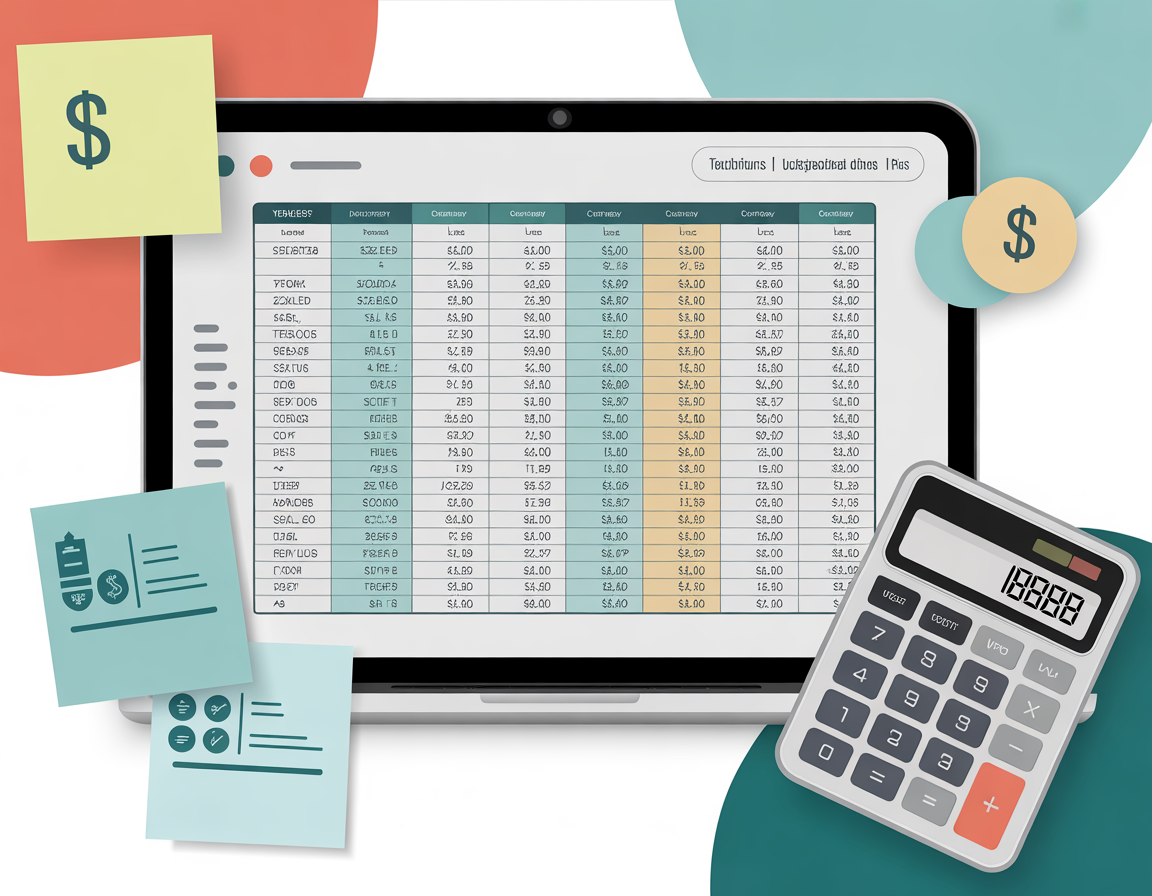
That's why I've created a simple, free Tech Audit Spreadsheet designed specifically for writers. This isn't a complicated financial tracking system—it's a straightforward tool that helps you:
List all your current tech subscriptions in one place
Track what you're paying monthly and annually
Identify what you actually use versus what's just sitting there
Spot duplicate tools that do the same job
Calculate your total tech spending for your writing business
How to Use Your Tech Audit Spreadsheet
Using the spreadsheet is simple, and it only takes about 30 minutes:
Step 1: Gather Your Information
Check your email for subscription confirmations and receipts
Review your credit card or bank statements for the past few months
Look for any recurring charges from software companies
Step 2: Fill in the Spreadsheet
Add each tool or subscription to the list
Note the monthly or annual cost
Mark whether you're actively using it (be honest!)
Identify what purpose it serves in your writing business
Step 3: Analyze and Decide
Look for tools you haven't used in 3+ months
Find subscriptions that overlap or duplicate each other
Calculate your total monthly and annual tech spending
Decide what to keep, what to cancel, and what to replace
What Writers Discover
When writers complete this audit, they typically find:
At least one subscription they forgot about completely (often from a free trial that auto-renewed)
Two or three tools doing the same job (like having both Grammarly and ProWritingAid, or multiple cloud storage services)
Free alternatives they already have access to through existing subscriptions
Potential savings of $200-$500+ per year by eliminating redundant or unused tools
One writer I worked with discovered she was paying for three different cloud storage services, two grammar checkers, and a project management tool she'd used exactly once. She saved over $400 a year just by consolidating and canceling unused subscriptions.
Beyond Saving Money
This audit isn't just about cutting costs—though that's certainly a nice benefit. It's about gaining clarity and control over your writing business technology.
When you know exactly what tools you have and what they do, you can:
Stop wasting time searching for files across multiple platforms
Make informed decisions about new tools you actually need
Build a streamlined, efficient tech toolkit
Reduce the mental overwhelm of managing too many systems
Your Next Steps
Ready to take control of your tech spending and discover what you're really paying for? Download the free Tech Audit Spreadsheet and set aside 30 minutes this week to complete your audit.
You might be surprised by what you find—and you'll definitely feel more confident about the technology supporting your writing business.
Because being tech savvy isn't about having the most tools. It's about having the right tools and knowing exactly what you're paying for.


