

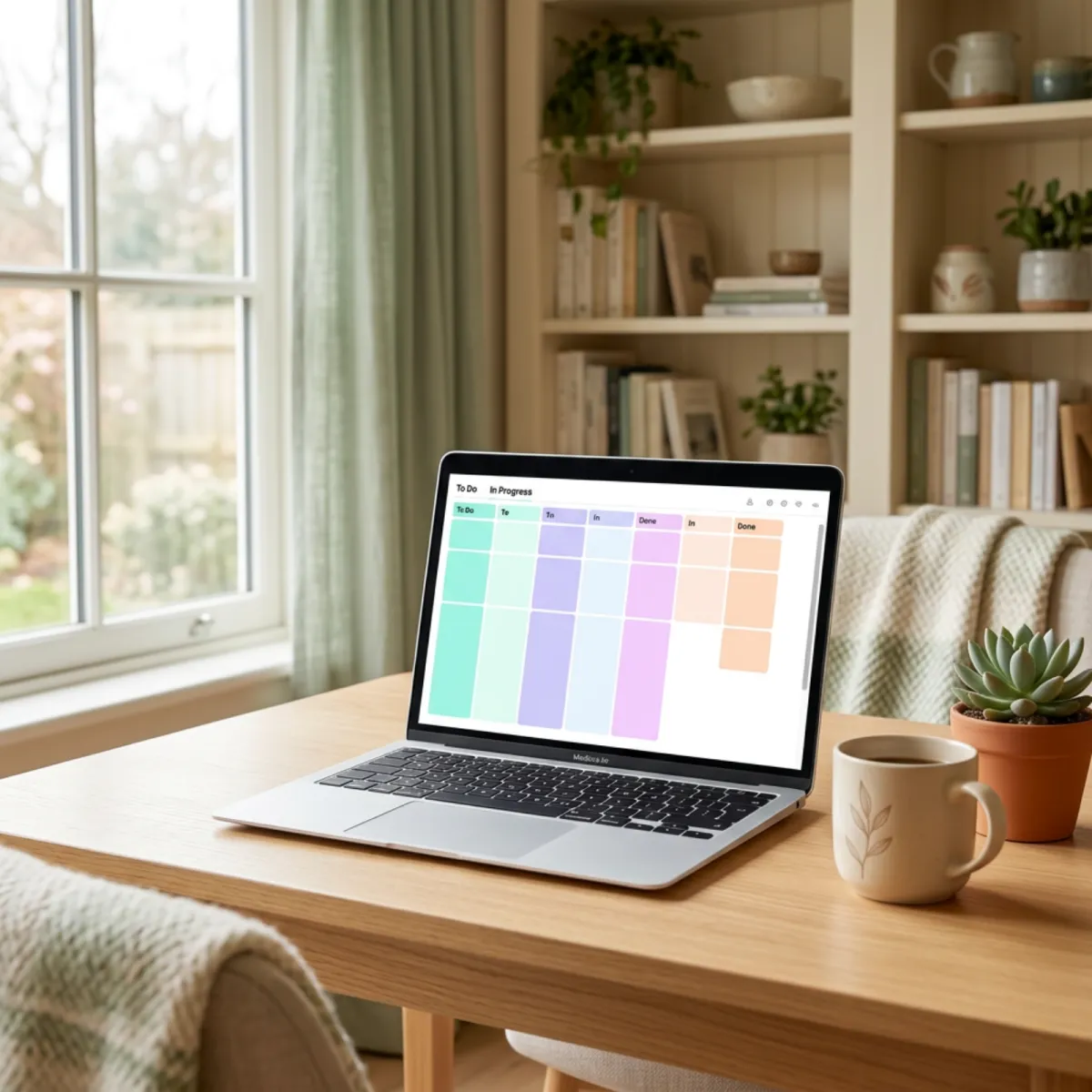
Trello for Writers: Visual Planning for Your Books and Business
Trello for Writers: Visual Planning for Your Books and Business
How many writing projects are you currently juggling? A manuscript in draft. A novella that needs a second pass. A blog post half-written. A book launch to plan. Three ideas you scrawled on whatever was nearby and haven't touched since.
If you're managing all of this across sticky notes, random documents, and the back of your memory — and feeling vaguely anxious that something is slipping through the cracks — Trello might be exactly what you need.
It's one of the simplest project management tools available, and for visual thinkers especially, it's genuinely satisfying to use.
What Is Trello?
Trello is a visual project management tool built around Kanban boards — a system of columns and cards that lets you see the status of every task or project at a glance. You create boards for different projects or areas of your life, add cards for individual tasks or items, and move those cards between columns as things progress.
It's used by teams around the world, but it works beautifully for individual authors who want a clear, visual overview of their work — without the complexity of more feature-heavy project management tools.
If you've found Notion a bit overwhelming (we reviewed it recently and acknowledged the setup challenge), Trello is a genuinely simpler starting point that delivers most of what most authors actually need.
Who Is It For?
Trello suits authors who:
- Think visually and want to see their projects laid out as a board rather than a list
- Manage multiple writing projects simultaneously and need a clear view of what's where
- Want simplicity over power — a tool that does what it needs to do without requiring a manual
- Are new to project management tools and want an approachable entry point
If you need complex task dependencies, time tracking, or advanced reporting, Trello's free tier will eventually feel limited. But for the majority of authors, it's more than enough.
Key Features
Kanban Boards and Cards
The core of Trello is the board-and-card system. Each board is a project or area (your author business, your current book, your marketing calendar). Each card represents an item — a chapter, a task, an idea, a book in progress. Cards live in columns that represent stages or categories.
Moving a card from one column to another is as simple as dragging and dropping. There's a particular satisfaction in dragging a card from "Drafting" to "Editing" or "Published" that you don't quite get from ticking a checkbox. It sounds small, but motivation works in mysterious ways.
Checklists, Labels, and Due Dates
Each card can contain a checklist (useful for breaking a chapter's tasks into specific steps), a colour-coded label (genre, priority, project type — whatever makes sense to you), and a due date (which triggers a reminder when the deadline approaches). These simple additions transform a card from a sticky note into a genuinely useful task tracker.
A Simple Board Setup for Writers
One of the most useful things you can do with Trello is create a Master Writing Board with these columns:
- Ideas — story concepts, article ideas, things you want to write someday
- Outlining — projects you're actively planning
- Drafting — manuscripts currently in progress
- Editing — projects in the revision and editing phase
- Ready to Publish — formatted, finalised, waiting to go
- Published — your growing backlist
Every book you're working on gets a card. You can see your entire publishing pipeline at a glance. When you start a new project, you add a card to Ideas. When you sit down to write, you move it to Drafting. When you send it to your editor, it slides into Editing. When it launches, it goes to Published — and stays there as a record of what you've accomplished.
Power-Ups (Integrations and Add-Ons)
Trello supports Power-Ups — integrations and additional features you can add to your boards. The Calendar Power-Up turns your due dates into a visual calendar view. The Automation Power-Up (Butler) lets you create simple automated rules — for example, automatically moving a card to "Editing" when a "Draft Complete" checklist item is checked. On the free plan, Power-Ups are limited; the paid plans unlock more.
Collaboration
Trello lets you share boards with others — useful if you have a co-author, a VA, or a team working on launches with you. Each person can see the board, move cards, and leave comments on individual cards. For solo authors, this feature sits quietly in the background, unused but there if you ever need it.
What We Love
It's incredibly visual and intuitive. The first time you use Trello, you understand it within minutes. There's no tutorial required, no learning curve to manage. If you can drag and drop, you can use Trello.
The free tier is genuinely capable. For a solo author using Trello for their own projects, the free plan covers everything you need: unlimited boards, unlimited cards, basic Power-Ups, and checklists.
The satisfaction of moving cards to "Done" is real. This sounds silly, but it matters. Visible progress is motivating. Seeing your manuscript card move from Drafting to Editing to Published gives you a tangible sense of momentum that a to-do list in your notes app doesn't quite replicate.
What Could Be Better
Complex projects can get cluttered. If you have a book with 40 chapters and you're tracking each one as a card, the board can become unwieldy. The workaround is to track projects rather than individual chapters at the board level, and use checklists within each card for granular tasks.
Power-Ups are limited on the free plan. You can add one Power-Up per board on the free plan, which means choosing between Calendar view and Automation. The Standard plan at ~$8 AUD/month removes this limit and is worth it if you find yourself using Trello daily.
No built-in time tracking. If you want to track how long you're spending on each project or task, you'll need a separate tool like Toggl Track (which we'll cover soon) — Trello doesn't have this natively.
Pricing
- Free — Unlimited boards and cards, 10MB file attachments, 1 Power-Up per board
- Standard — Around $8 AUD per month (billed annually); unlimited Power-Ups, advanced checklists, custom fields
- Premium — Around $17 AUD per month (billed annually); Dashboard view, Timeline view, admin features
The free plan is all most solo authors will ever need.
The Verdict
Trello is perfect for visual thinkers who want a simple, satisfying way to see their writing projects at a glance. It's not the most powerful tool available — Notion is more flexible, for example — but it's dramatically more approachable, and sometimes approachable is exactly what you need.
Our recommendation: Create your free Trello account and set up that Master Writing Board today. Put every project you're currently working on (or thinking about) onto the board and move them to the right columns. See what it feels like to have everything visible in one place. Most authors who try this don't go back to sticky notes.
Are you a Trello user, or do you prefer a different project management approach? Let us know how you keep track of your writing projects in the comments!


